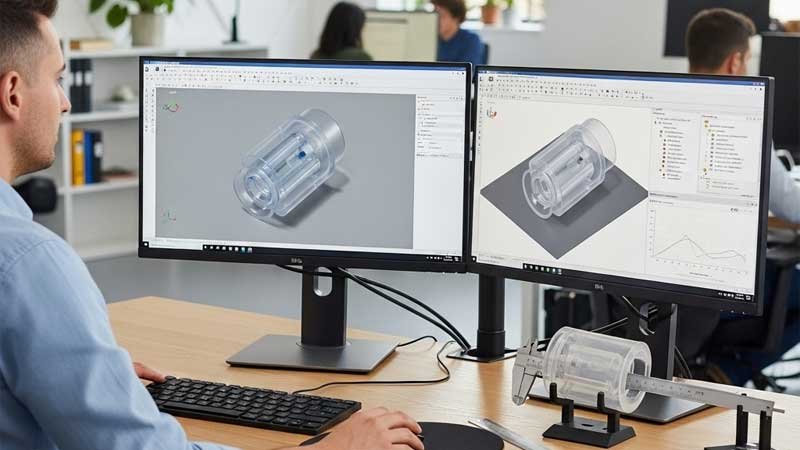
In today’s manufacturing world, CAD drawings are more than just visual references. They are the backbone of efficient product development. For custom silicone parts, a complete and well-prepared CAD file set is critical. It can determine whether your design moves forward smoothly or runs into costly delays. CAD files directly impact mold cost, lead time, and final product quality.
This article shows you how to prepare clear and complete CAD files, so you can work smoothly with manufacturers and avoid mistakes or rework.

What Are the Common CAD File Requirements from Silicone Manufacturers?
Before sending any design files, it’s important to know what formats your manufacturer accepts and whether they have specific drafting standards. Different factories may use different modeling software, drawing rules, or layer structures, so don’t assume your file is ready to go just because it looks complete. A quick check-in upfront can help you avoid revisions, delays, and misunderstandings.
Here are the most commonly accepted file types and their uses:
| Type | Common Formats | Purpose |
| 2D Drawings | DWG, DXF | Show basic dimensions, notes, tolerances, and structural details |
| 3D Models | STEP (.stp/.step), IGES (.igs), STL | Show full product geometry for mold design and fit checks |
In addition to format, many manufacturers also have technical preferences or requirements, such as:
- Using internationally recognized tolerance standards (like ISO or ASME)
- Including exploded views, assembly diagrams, or cross-sections if needed
- Applying consistent color coding for sketch lines, section lines, and dimension lines to improve readability
Tip: Before submitting your CAD file, always check in with your manufacturer. Confirm their software version, preferred file format, naming rules, and whether they use a drawing template. If possible, ask for a CAD Submission Guide or a sample drawing. This ensures your file meets expectations and makes the process smoother for everyone.
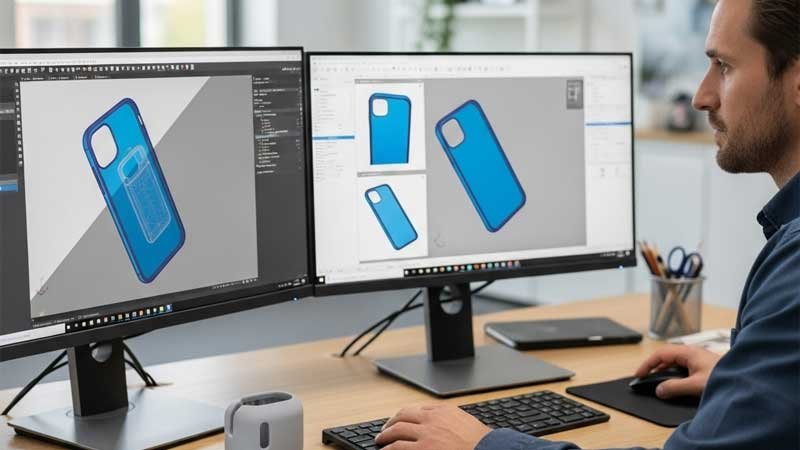
What Should a Complete CAD Drawing Package Include?
To help manufacturers fully understand your design, a single image isn’t enough. A complete CAD drawing package should act like a technical guide, clearly communicating all key aspects of your product. From dimensions and structure to material and function, every detail can impact mold design and final product quality. Here’s a breakdown of the four essential components your CAD package should include.
2D Technical Drawings
These are the most commonly used references for manufacturing and quality inspection. A standard 2D drawing should include front, top, and side views of the product, with all critical dimensions clearly labeled. Don’t forget to specify units (e.g., mm or inch), material type, and molding process.
For silicone products, it’s especially important to note the shrinkage rate (typically 2–3%). This directly affects mold dimensions. Also include key mold-related details such as parting lines, draft angles, and fillet radii—either labeled directly or shown in sectional views.
3D Solid Models
Compared to 2D drawings, 3D models offer a clearer view of the overall shape, especially helpful for complex forms with recesses or overmolded areas. A complete CAD package should include a high-precision 3D file (formats like .STEP, .IGS, or .STL). This is essential for mold design and assembly validation.
If the product includes multiple parts, consider providing an exploded or assembly view to show how components fit together. For designs that include printing, engraving, or heat transfer, clearly indicate the exact locations, artwork areas, and depth requirements on the model or an additional drawing.

Material and Process Specifications
Silicone products often have very specific material needs. Your CAD documentation should clearly state the silicone type (e.g., HTV, LSR), hardness (such as Shore 60A or 70A), grade (e.g., food-safe, medical-grade), and color code (Pantone number or customer sample reference).
Also include any required surface treatments, such as matte finish, high gloss, sandblasting, or metal overmolding. If post-processing like coating, hot stamping, or plating is needed, those instructions should be clearly noted as well.
Structure and Function Notes
For complex or functional designs, drawings alone may not convey the full intent. It’s helpful to add a short document or section describing the purpose and usage of key features.
Examples include: areas that need added ribs for strength, overmolded sections, parts prone to deformation, or whether the product must withstand high heat or freezing conditions. These notes can be placed in the technical remarks area of the drawing or added as a separate page with simple sketches or descriptions.
What DFM Tips Should You Follow When Designing Silicone Parts?
Many designs appear flawless in CAD software but run into serious issues during tooling and mass production. Problems like demolding failure, material warping, or low yield rates often force costly redesigns. That’s where DFM (Design for Manufacturability) comes in. By considering manufacturing limits early in the design phase, you can avoid surprises, save costs, and improve production efficiency. Below are key DFM tips specific to silicone manufacturing.
- Keep wall thickness uniform: Silicone can form bubbles or sink marks where thin and thick sections meet. Try to keep wall thickness consistent, ideally between 1.5mm and 3mm.
- Use proper draft angles: To help parts release smoothly from molds, include a draft angle of at least 2° wherever possible.
- Avoid deep grooves and sharp corners: These features can cause poor material flow, tearing, or faster mold wear. Use rounded corners or gentle slopes instead.
- Mark insert locations clearly: If your design includes embedded components like metal cores, magnets, or fabric layers, clearly show their size, tolerance, and how they will be fixed in place.
- Design holes and ribs thoughtfully: Structural ribs and holes should avoid hard-to-mold areas and be aligned with the mold opening direction to prevent tearing or deformation.
Designing with manufacturability in mind not only avoids headaches later. It leads to better products, faster turnarounds, and more reliable production.

How to Manage Versions and Naming Conventions Effectively?
Version control and naming conventions play a key role in keeping design files accurate and easy to track, especially in custom silicone projects that involve multiple revisions and team members. When files are named inconsistently or version info is missing, it’s easy for someone to mistake an outdated drawing for the final version. This can lead to serious issues like incorrect mold fabrication or large-scale rework.
To avoid these risks, use a clear and consistent file naming format. A good name should include the product name, version number, and date. This makes it easy to identify the latest version at a glance.
Organize files into folders by type, such as 2D drawings, 3D models, material specs, and process requirements, so team members can find what they need quickly. After each revision, include a simple changelog that notes what was changed and why.
For submission, we recommend bundling all documents into a ZIP file. Add the submitter’s name and contact info in the ZIP file name. This structure makes file sharing, archiving, and version tracing much easier.
Using these practices helps avoid confusion, reduces communication costs, and minimizes the risk of manufacturing errors due to outdated files.
Common Design Mistakes and How to Avoid Them
Here are some of the most common design oversights, the potential issues they may cause, and simple ways to avoid them. By catching these early in the design phase, you can greatly reduce production risks and avoid unnecessary delays.
| Mistake | Possible Consequence | How to Avoid It |
| No tolerance specified | Manufacturer guesses dimension accuracy | Clearly mark tolerance ranges or include a tolerance chart |
| Material not indicated | Wrong material or color may be used | Provide a material spec sheet or Pantone color reference |
| No draft or mold release details | Mold cannot open or release smoothly | Add notes for draft angles and parting lines in your design |
| Confusing or missing version info | Manufacturer may use outdated files | Use a consistent naming system and keep an update log |
Taking a few extra steps during the design stage can save a lot of time and cost later in production. Always double-check these areas before submitting your files to a manufacturer.

Conclusion
A successful silicone project relies on a structured, precise, and streamlined process, and that process begins with CAD. A clear, accurate, and comprehensive CAD file helps manufacturers design molds faster and more precisely. It also sets a strong foundation for production, quality control, and future iterations. If you’re planning to develop a custom silicone product, this guide is a great place to start. Use it to get your CAD files ready and move confidently into manufacturing.
Need help turning your idea into a high-quality silicone product? We’re here to support your custom silicone development, from design to production. Reach out to get started with a tailored solution that fits your needs.